
Official SASSA SRD Status Check
Use the official tool below to perform your SASSA SRD status check for the R370 grant. It is fast, safe, and secure.
You will be taken to the secure, official SASSA website. We do not see or store your details.
Performing a regular SASSA SRD status check is the most important step in managing your grant. It is the only way to know if your application for a specific month is approved, pending, or declined. This guide provides a step-by-step walkthrough using the official government portal to ensure you can check your status easily, safely, and understand the results.
Whether you applied for the R370 or the previous R350 grant, this is the correct method for your sassa status check for R350 and current grants.
Advertisement
How to Check Your SRD Status Online: A Step-by-Step Guide
Following these three simple steps is the safest and most reliable way to check your application status directly on the official SASSA website.
Go to the Official SASSA Portal
Use the status checker tool at the top of this page. This ensures you are on the secure government portal and not a fraudulent website that could steal your information.
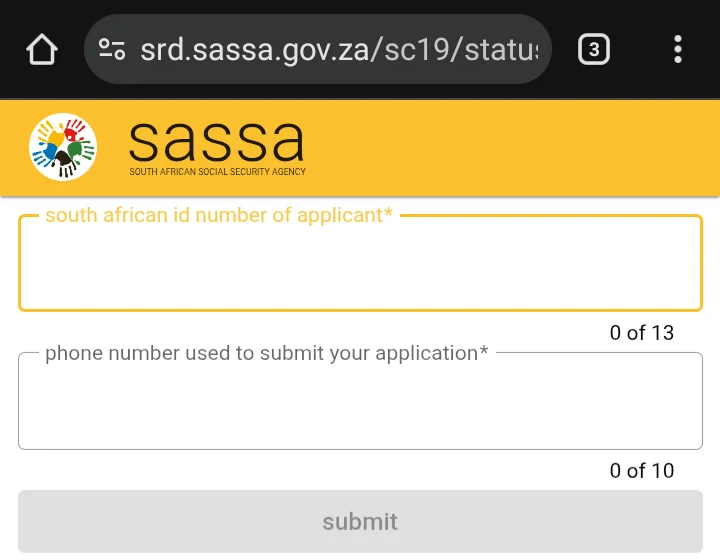
Enter Your Personal Details
You will need to provide two pieces of information in the required fields:
- Your 13-digit South African ID Number.
- The cell phone number you used when you first applied for the grant.
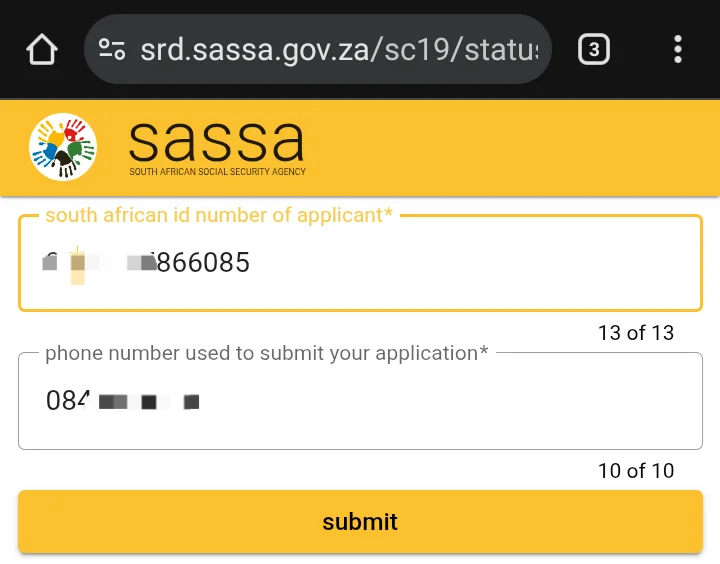
Submit and View Your Status Results
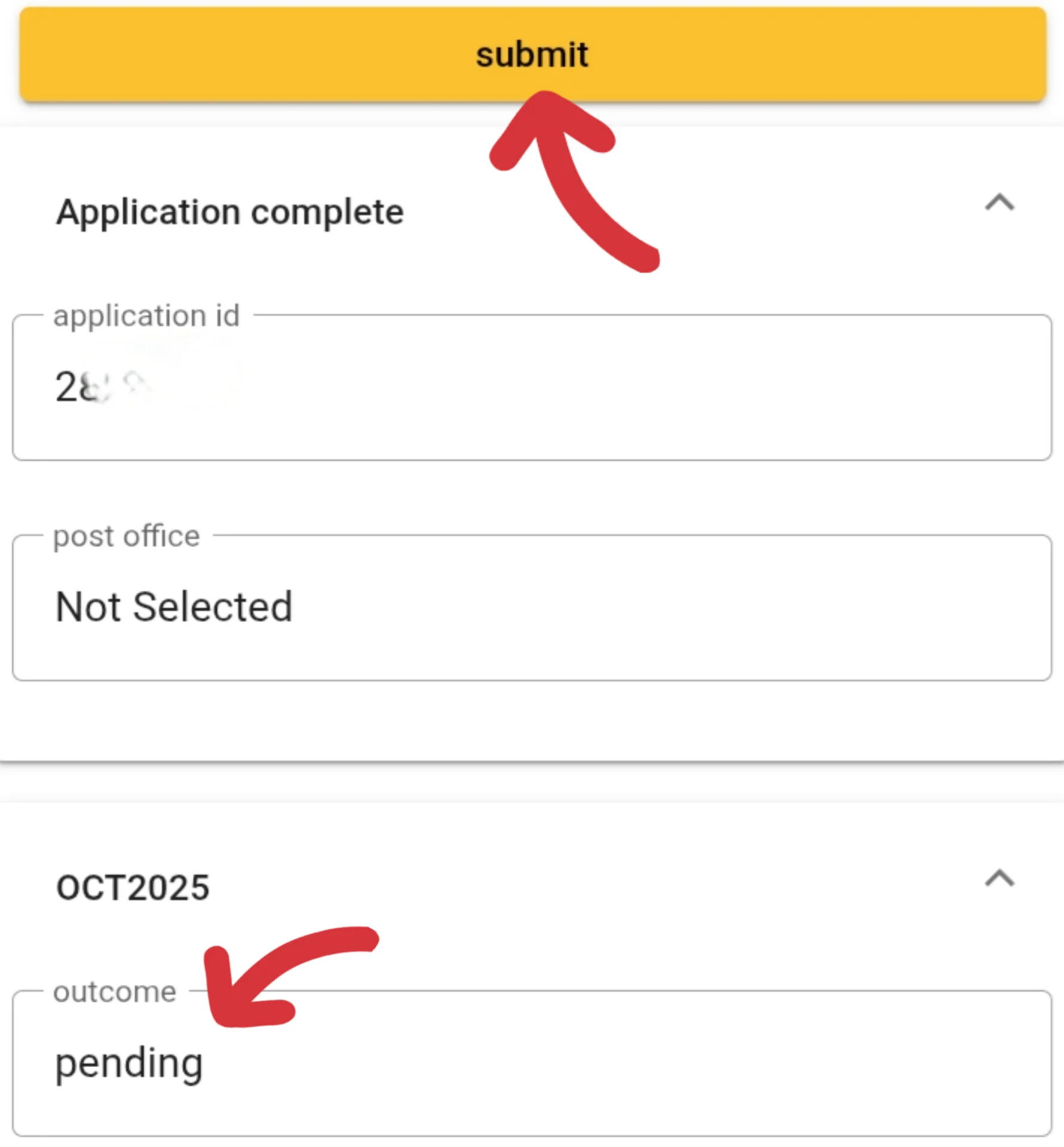
After entering your details correctly, click the “Submit” button. The page will then display your SASSA SRD status for all recent months. The result will be a clear message like “Approved,” “Pending,” or “Declined,” often with a reason provided.
Ready to Check Your Status?
You will be taken to the secure, official SASSA website. We do not see or store your details.
After You Check: Understand Your Status
Seeing a status like “Pending” or a decline reason like “source_of_income_identified” can be confusing. To build your authority, it is crucial to understand what these mean. Our comprehensive guide explains every single status message in detail.
Read the Ultimate Status Meaning GuideAdvertisement
Frequently Asked Questions (FAQ)
What if I forgot my Application ID for the SASSA status check?
You no longer need an Application ID to check your status. The current system only requires your ID number and the cell phone number you used to apply, making the process much simpler and more secure.
Can I check my SASSA status using WhatsApp?
While SASSA previously used a WhatsApp line, the most reliable and current method is the official website portal. The WhatsApp service is not always active and may not provide the latest information. We strongly recommend using the online portal for your srd status check.
Why does the official site say my details are “invalid”?
This usually happens for one of two reasons: 1) You have made a typing error in your ID number or phone number. Please double-check them carefully. 2) You are using a different phone number from the one you originally registered with. You must use the same number to access your records.
How can I check my status without a smartphone or data?
If you do not have internet access, you can call the SASSA toll-free helpline at 0800 60 10 11. Be aware that call volumes can be high, so there may be a waiting period. You will need to provide your ID number to the agent to perform the sassa status check for R350 or R370 grant.
