
How to Update Your Name & Surname for SASSA SRD
Is your name or surname incorrect on your application? This guide provides a clear, visual walkthrough of the official SASSA SRD name update process.
Start the Step-by-Step GuideHaving your correct name and surname on your SRD grant application is essential for verification against Department of Home Affairs records. An error in your personal details can lead to a declined status or payment delays. This guide will show you exactly how to complete the sassa srd name update process online.
Why You Might Need to Update Your Name
You must request an update if your details are incorrect for any of these reasons:
- Incorrect Spelling: The name or surname provided during the application was spelled incorrectly.
- Legal Surname Change: You have legally changed your surname (e.g., after marriage) and your ID document has been updated.
- Data Mismatches: Your details on the application do not match the official records at the Department of Home Affairs.
Advertisement
How to Request a Name and Surname Update: Step-by-Step
Follow this official, foolproof guide to update your personal details correctly.
Go to the Portal & Enter Your Details
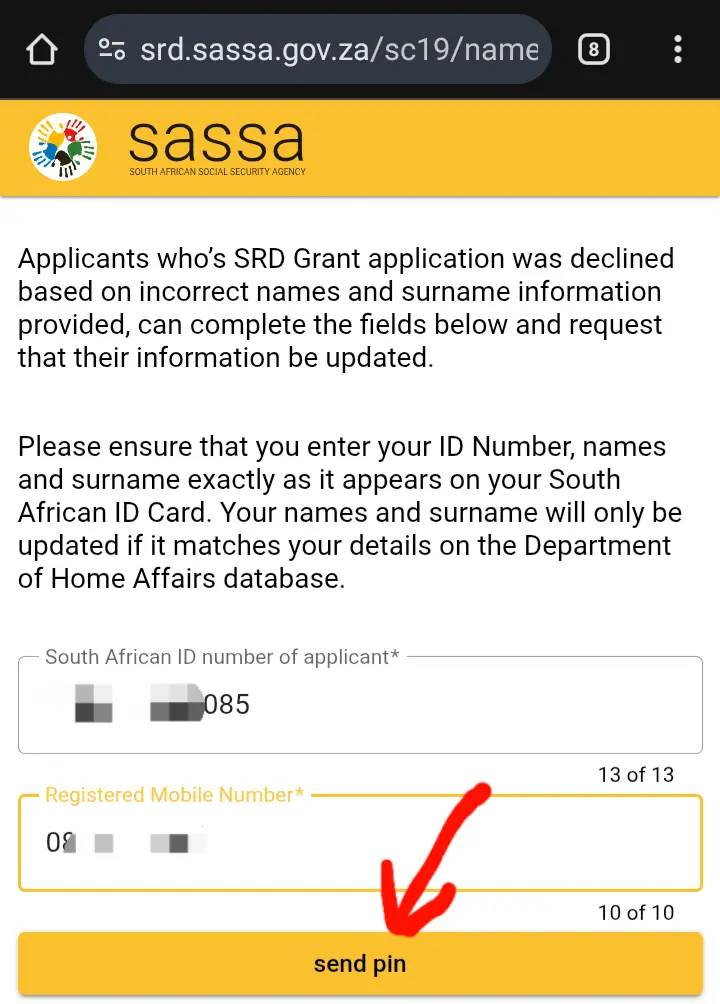
Navigate directly to the official SASSA name update website by visiting this link: srd.sassa.gov.za/sc19/name-surname-update. On this page, enter your 13-digit ID Number and the phone number you applied with, then click “Send Pin”.
Enter the OTP and Submit
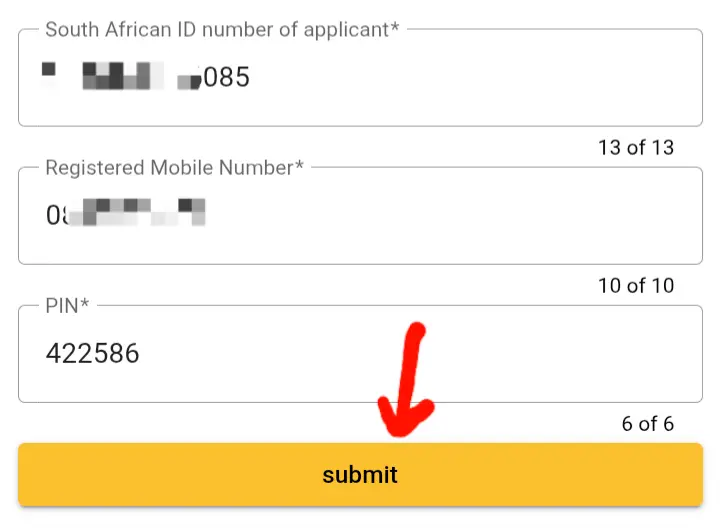
You will receive a 6-digit One Time Pin (OTP) via SMS. Enter this code into the “Pin” field on the website and click “Submit” to confirm your identity.
Begin Identity Verification
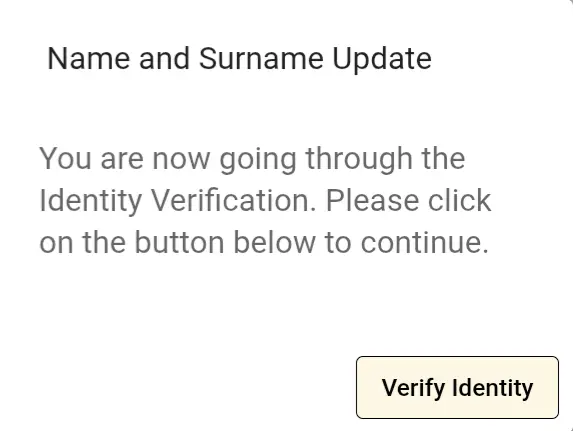
After submitting the pin, a pop-up window will appear. This is a crucial security step. Click the “Verify Identity” button to proceed.
Allow Camera Access and Complete Scan
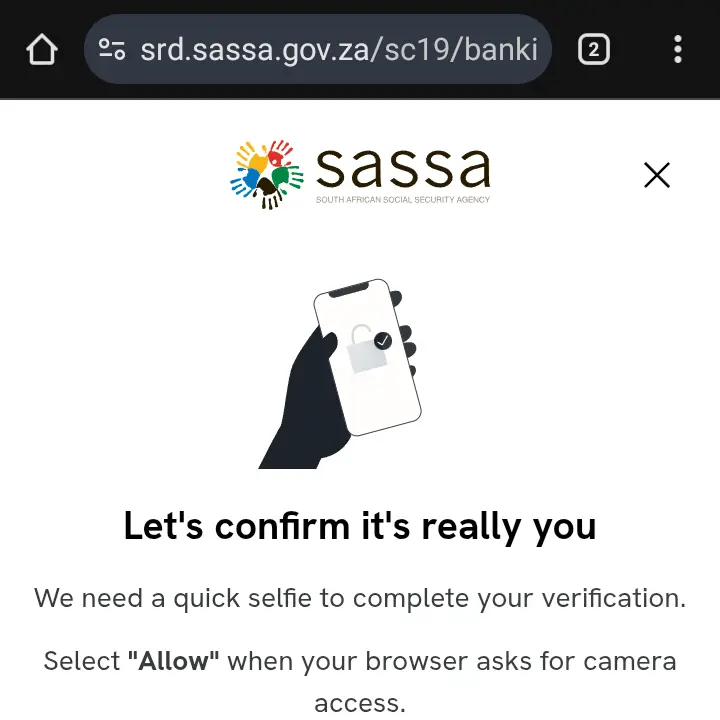
Your browser will ask for permission to use your device’s camera for a facial recognition scan. You must click “Allow”. Follow the on-screen instructions to complete the scan successfully.
Update Your Name and Surname
Once you successfully pass the identity verification, you will be redirected to a new page. Here you will be able to enter your correct name and surname as they appear on your ID document. After submitting, you should receive an SMS confirming the update.
Finished the Guide? Update Your Name.
You have the knowledge. Now you can update your details with confidence.
Go to Official Update SiteAfter Updating Your Name
After your SASSA SRD name update is complete, your details will be re-verified. It is important to perform an SRD status check a few days later to ensure the issue is resolved and your application is processed correctly.
Check Your Application StatusAdvertisement
Frequently Asked Questions (FAQ)
How long does it take for the name update to reflect?
The update is usually processed by the system very quickly. However, it may take a few days for the change to be fully verified against the Department of Home Affairs records. You should check your status after about 3-5 business days.
What if my application was declined for “Identity Verification Failed”?
This is the most common reason for needing to use the name update tool. An “Identity Verification Failed” status often means the name and surname you provided do not exactly match Home Affairs records. Following this guide to correct your details is the first step to resolving the issue.
Can I use this process to change my ID number?
No. This tool is only for updating your first name and surname. If your ID number is incorrect on your application, it is a much more serious issue that cannot be fixed online. You will need to contact SASSA directly by calling their toll-free helpline at 0800 60 10 11 for assistance.
